Incorrect Business Type Selected During Registration
During the HelloClient registration process, selecting the business type is an important step. It affects the program’s default settings:
- order types
- order field set
- personal filters in the order table
- directories
- categories and default service list
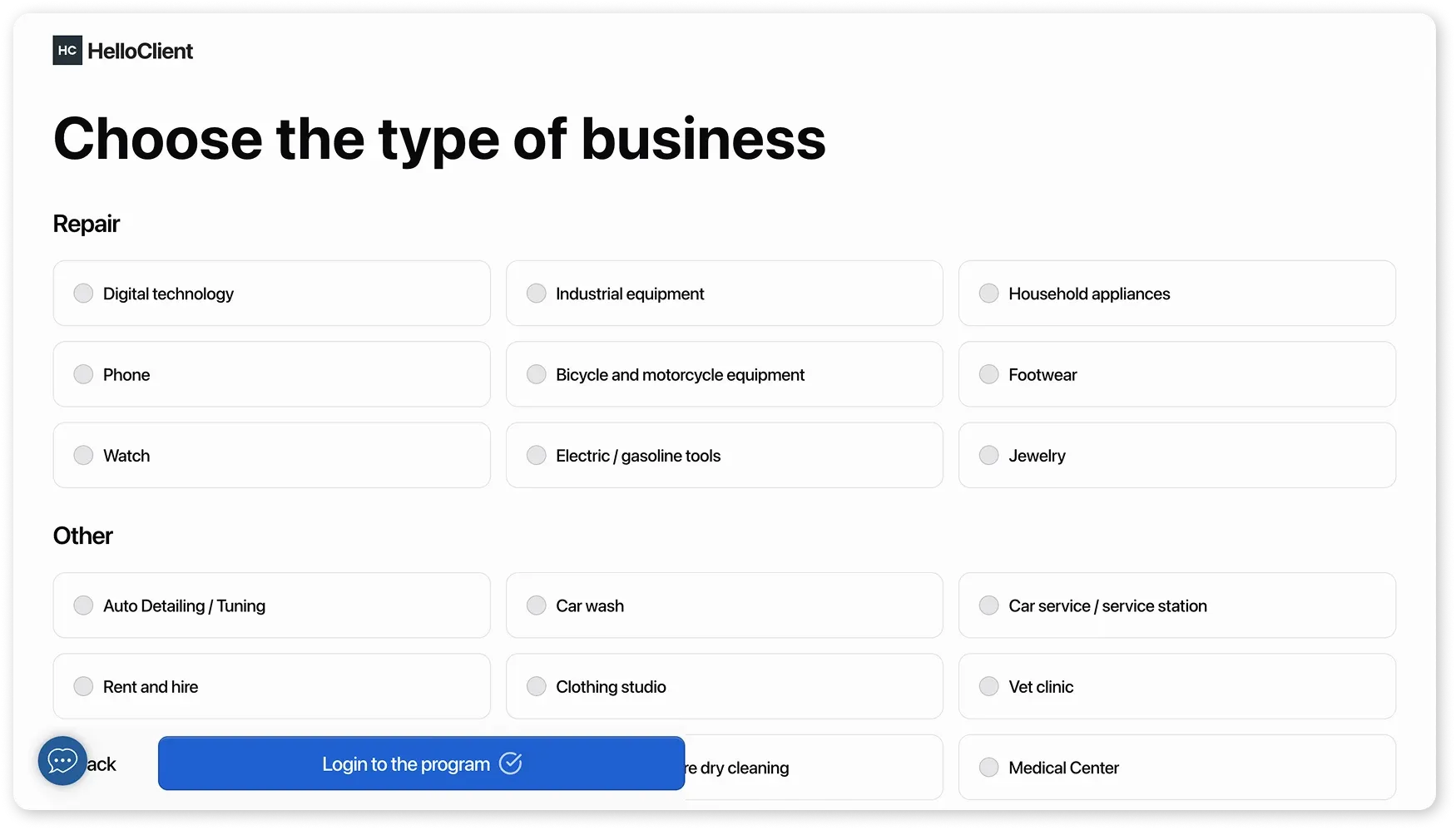
What to do if the wrong business type was selected?
Section titled “What to do if the wrong business type was selected?”Option 1 – Adjust program settings manually
Section titled “Option 1 – Adjust program settings manually”Order Types:
- Go to “Settings” → “Order Types”
- Select an order type and edit it, or archive it and create a new one
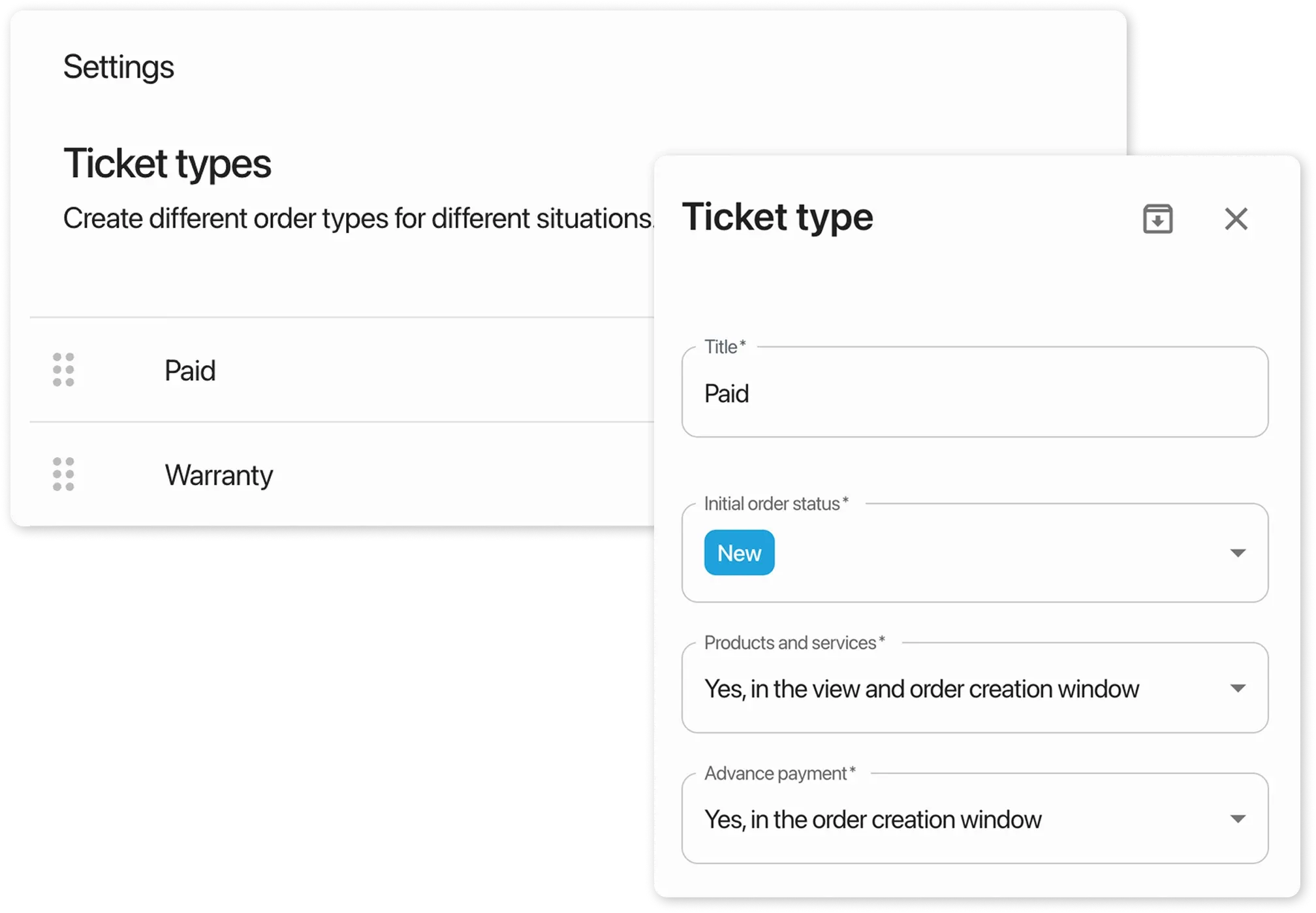
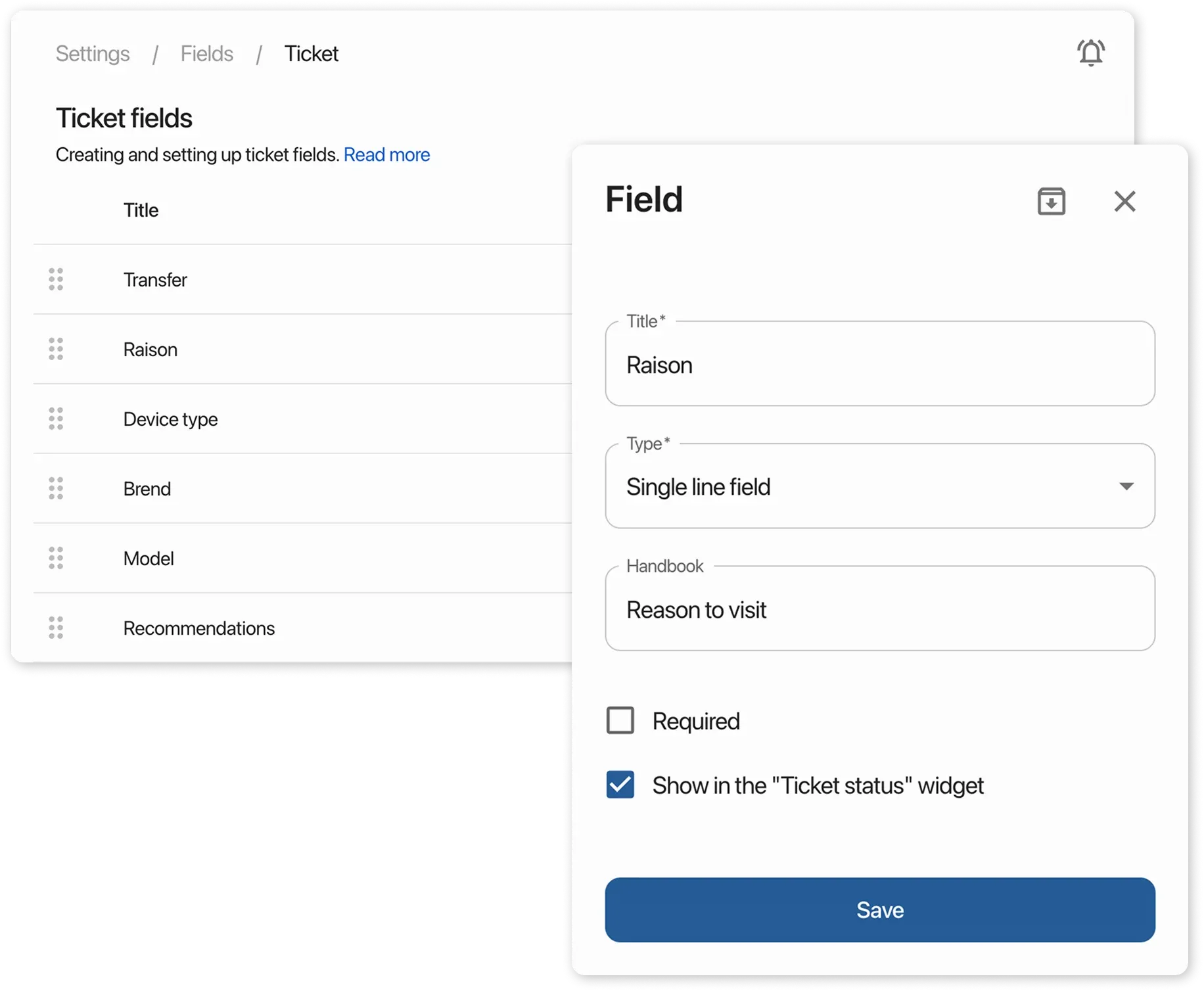
Order Fields:
- Go to “Settings” → Order Fields”
- Select a field and edit it, or archive it and create a new one
Guide to working with order fields
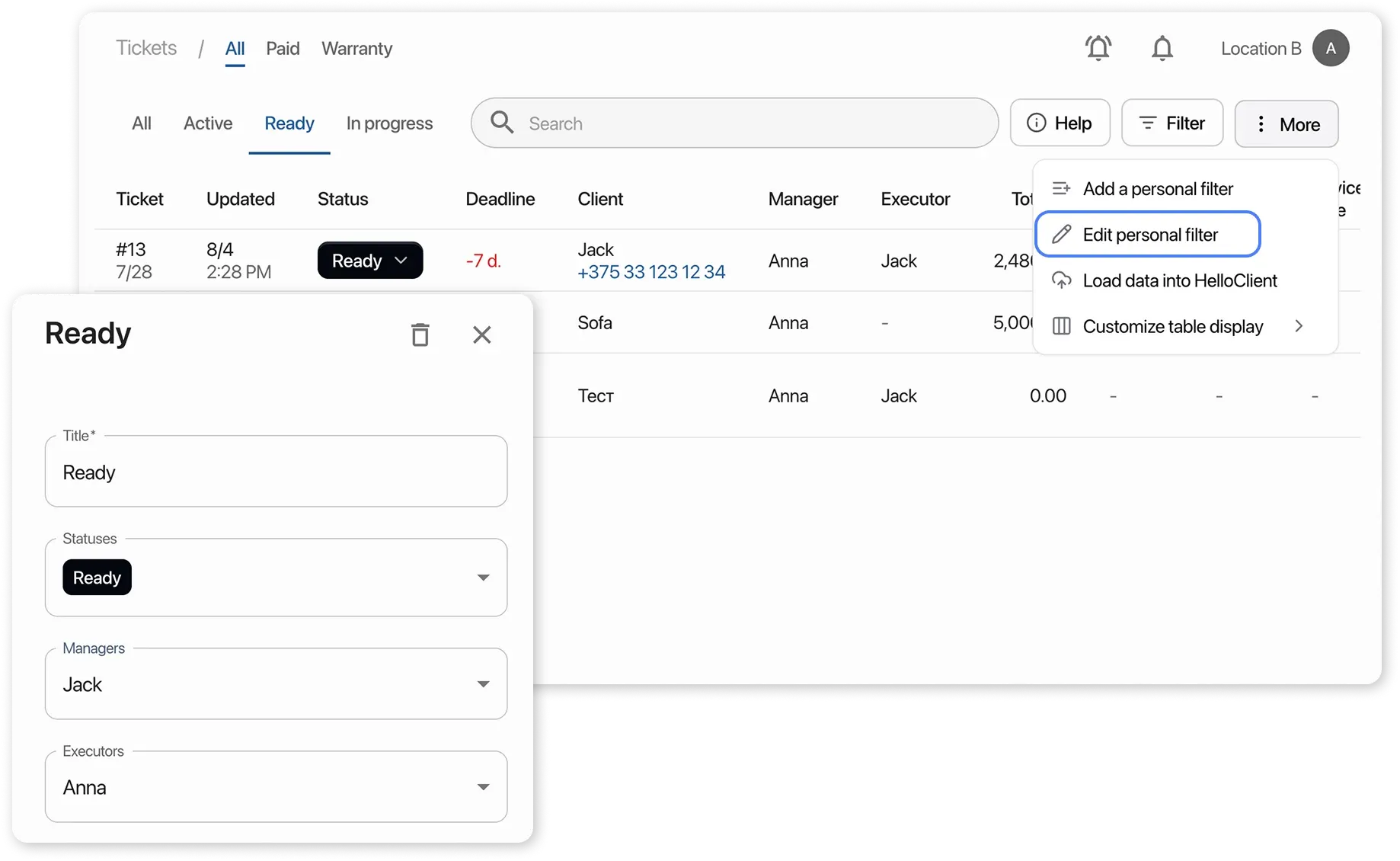
Personal Filters in Order Table:
- Go to the “Orders” section and select the desired filter at the top
- Click “More” → “Edit Personal Filter”
- Edit the filter card or delete and create a new one
Handbooks:
- Go to “Settings” → “Handbooks”
- Select a Handbook and click the pencil icon next to the name
- Make changes or delete the Handbook
Guide to working with Handbooks
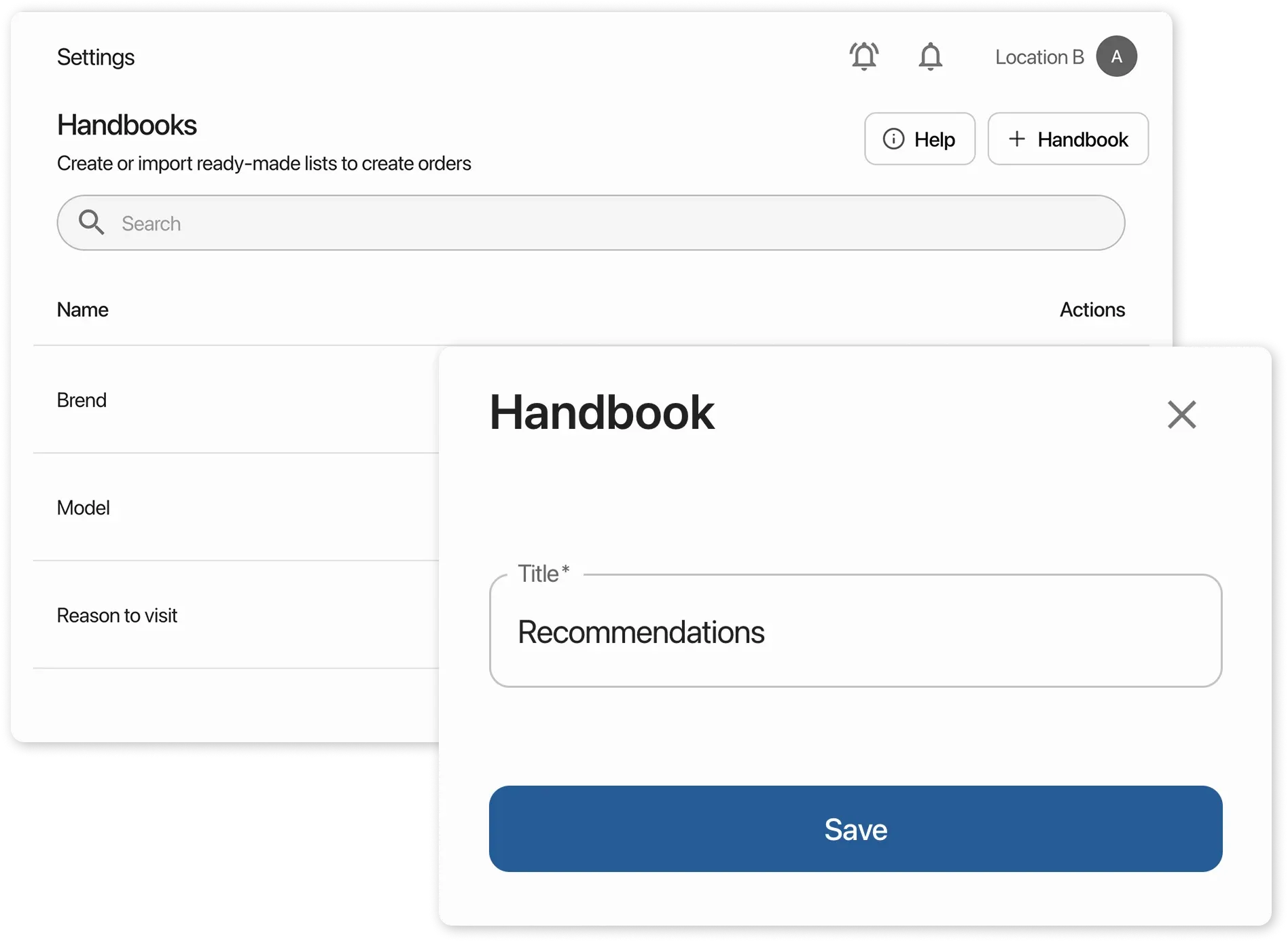
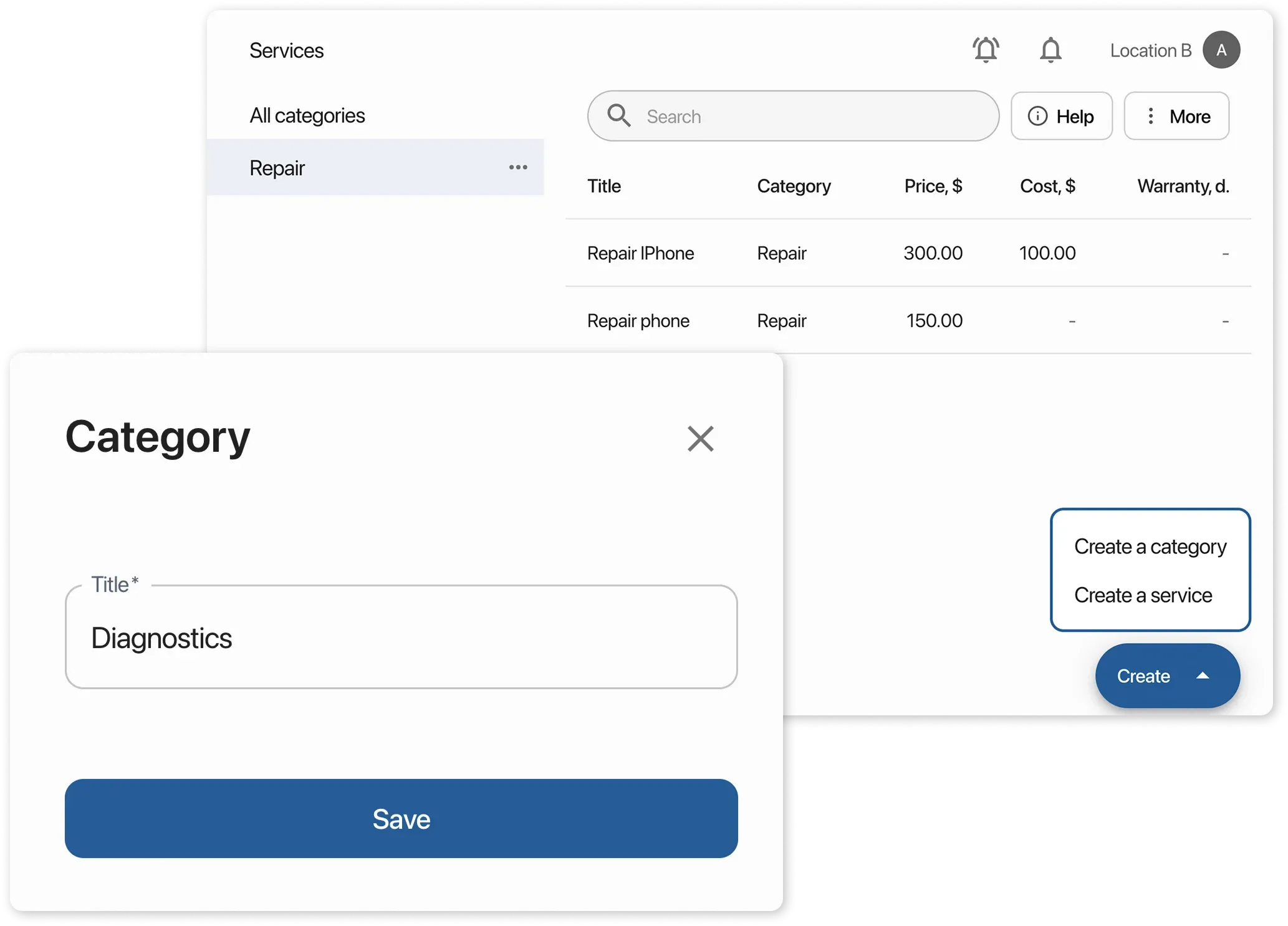
Categories and Default Service List:
-
Go to the “Services” section and select a category
-
Click the 3 dots next to the category name and rename or delete the category
When deleting a category, all services within it will be automatically deleted
-
Create or upload your own categories and services
Guide to creating and managing the service list
Option 2 – Register again
Section titled “Option 2 – Register again”You can go through the registration process again using the same email and select the correct business type.
To do this:
- Log out of your account: click your company name in the top right corner → “Log out”
- On the login page, click “Don’t have an account?”
- Go through the registration again using the same phone number and email
After registration, send us a message in the support chat and we will delete your old account.