«Order Status» Widget
Frequently Asked Questions
Section titled “Frequently Asked Questions”Where to find the order tracking link?
Location:
- Go to Settings → Integrations
- Open the «Order Status» Widget section
- Copy the unique client link
- Can be placed on your website
- Sent via SMS/messengers
Can clients see others’ orders when using the link?
No, access is strictly limited:
- The system shows only orders:
- Created with the client’s phone number
- Linked to their account
- Other clients’ data is fully protected
The “Order Status” widget allows customers to independently check the current status of their order without contacting company staff. Below are the widget’s operating principles and setup instructions.
How It Works?
Section titled “How It Works?”The widget allows clients to track order status in two ways:
-
QR Code
- Place a special QR code in documents (e.g., certificate of completed work).
- Client scans the QR code with their camera → instantly sees order status.
- Advantages:
- Doesn’t require embedding on a website.
- Client doesn’t need to input anything - just scan.
-
Website or Social Media Link
- Use your company’s personal link from HelloClient.
- Place the link on your website, social media, or messengers.
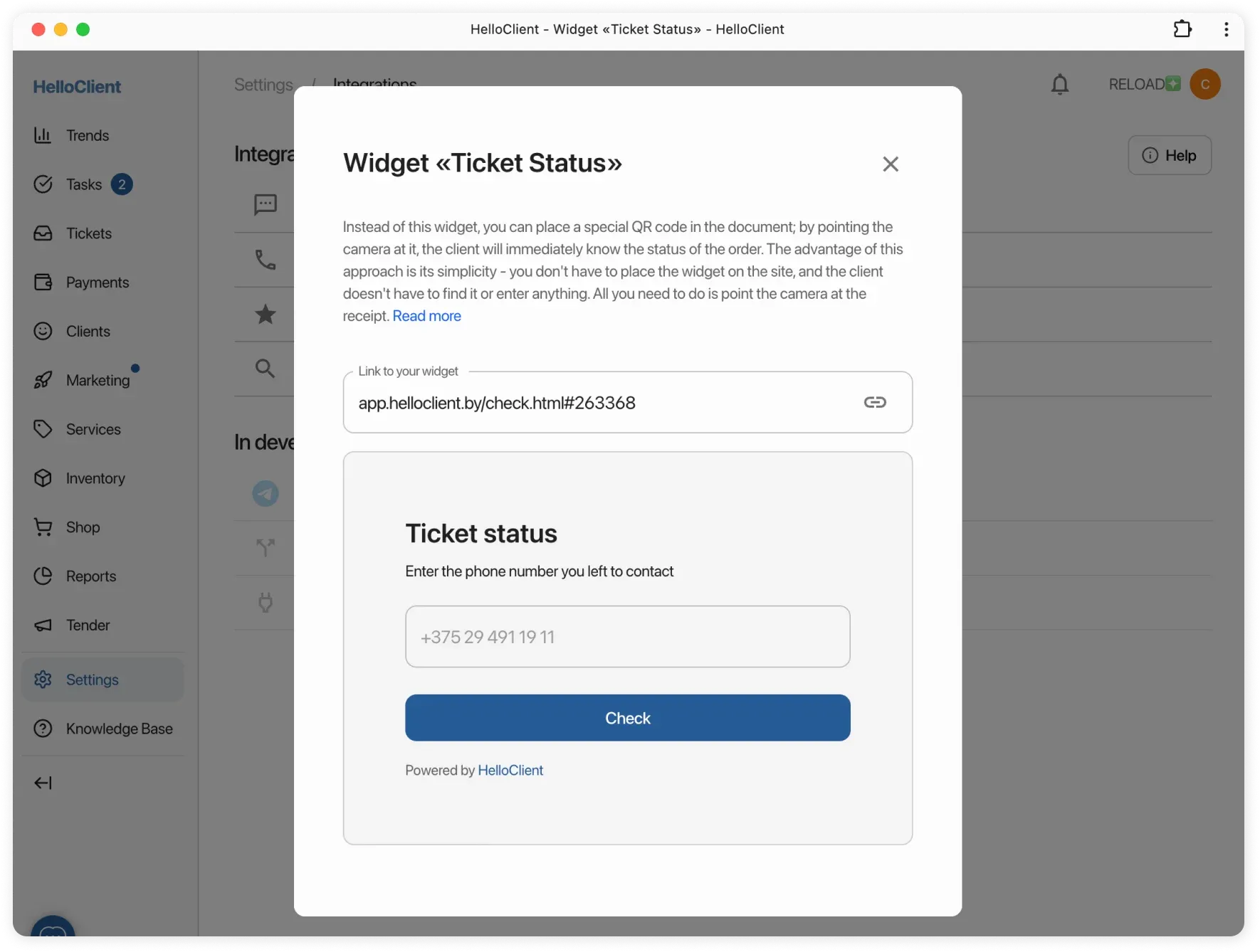
- Client enters their phone number → sees their order status.
Setting Up QR Code
Section titled “Setting Up QR Code”- Go to Documents → select a template (e.g., certificate of completed work).
- Add the «Order Status QR Code» variable where needed.
- Save the template → print documents with QR code.
Setting Up Personal Link
Section titled “Setting Up Personal Link”- Go to Settings > Integrations > Widgets.
- Copy the ready-made order status link.
- Paste the link on your website, social media, or send directly to clients.
Configuring Ticket Field Display
Section titled “Configuring Ticket Field Display”You can configure which order information will be shown to customers when they view the “Order Status” widget.
To do this:
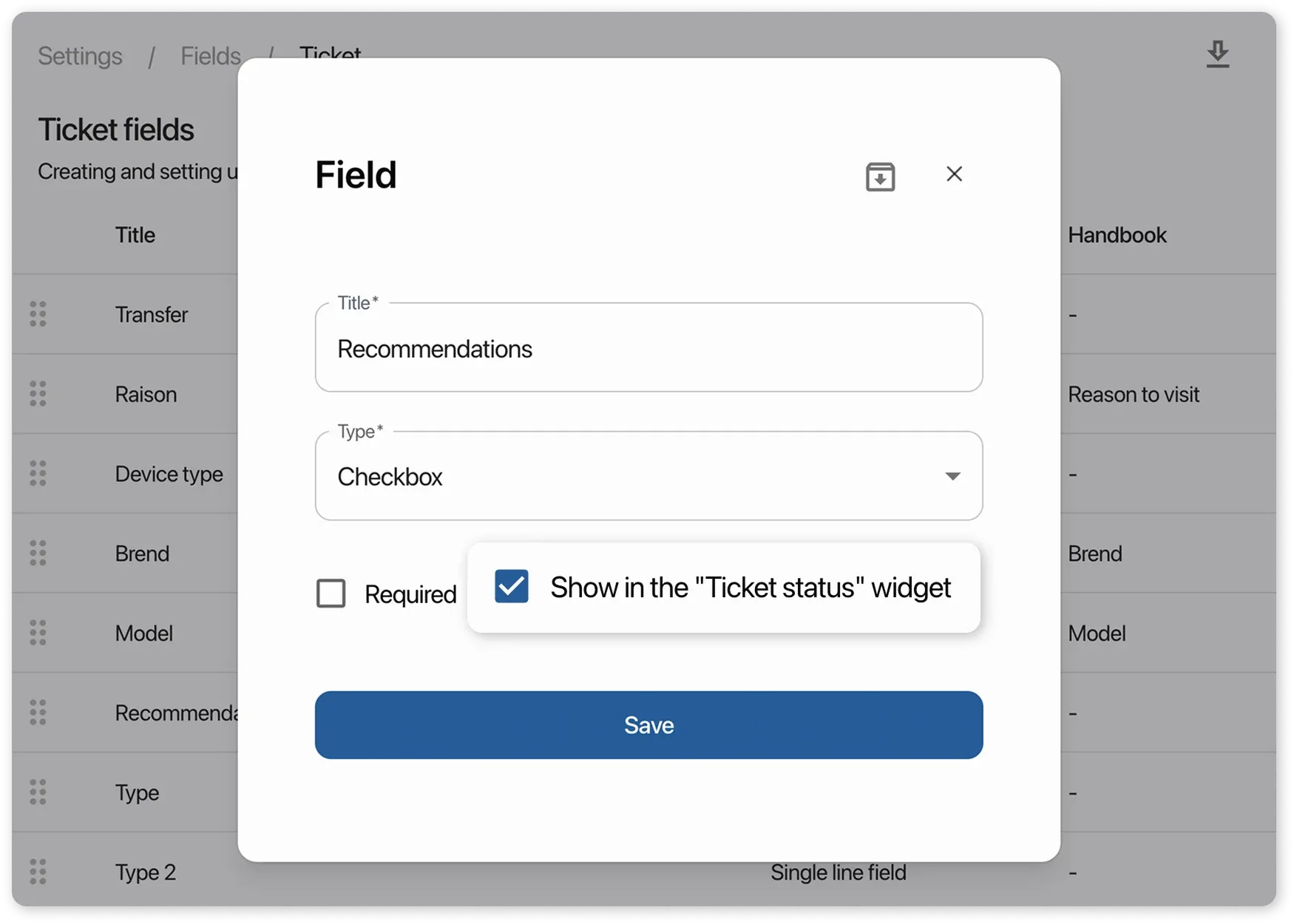
- Go to “Settings” > “Ticker Fields”
- Select a field and, in its card, enable or disable the checkbox Show in the “Ticket Status” widget
- Repeat this for all required order fields.
This way, customers will only see the information you choose to display.