Minimum Stock Level Control
Minimum stock level is the quantity of a product at which you need to pay attention to inventory levels. If the actual stock drops below the specified value, the system considers it critical and highlights it.
Minimum stock control helps you:
- detect products that are running out in time;
- plan purchases in advance;
- reduce the risk of warehouse shortages.
How to Enable Stock Control
Section titled “How to Enable Stock Control”- Open the product card;
- Click the settings icon in the “Stock Control” table;
- Enable stock control for the required locations;
- Enter a value in the “Minimum Stock Level” field;
- Click “Save.”
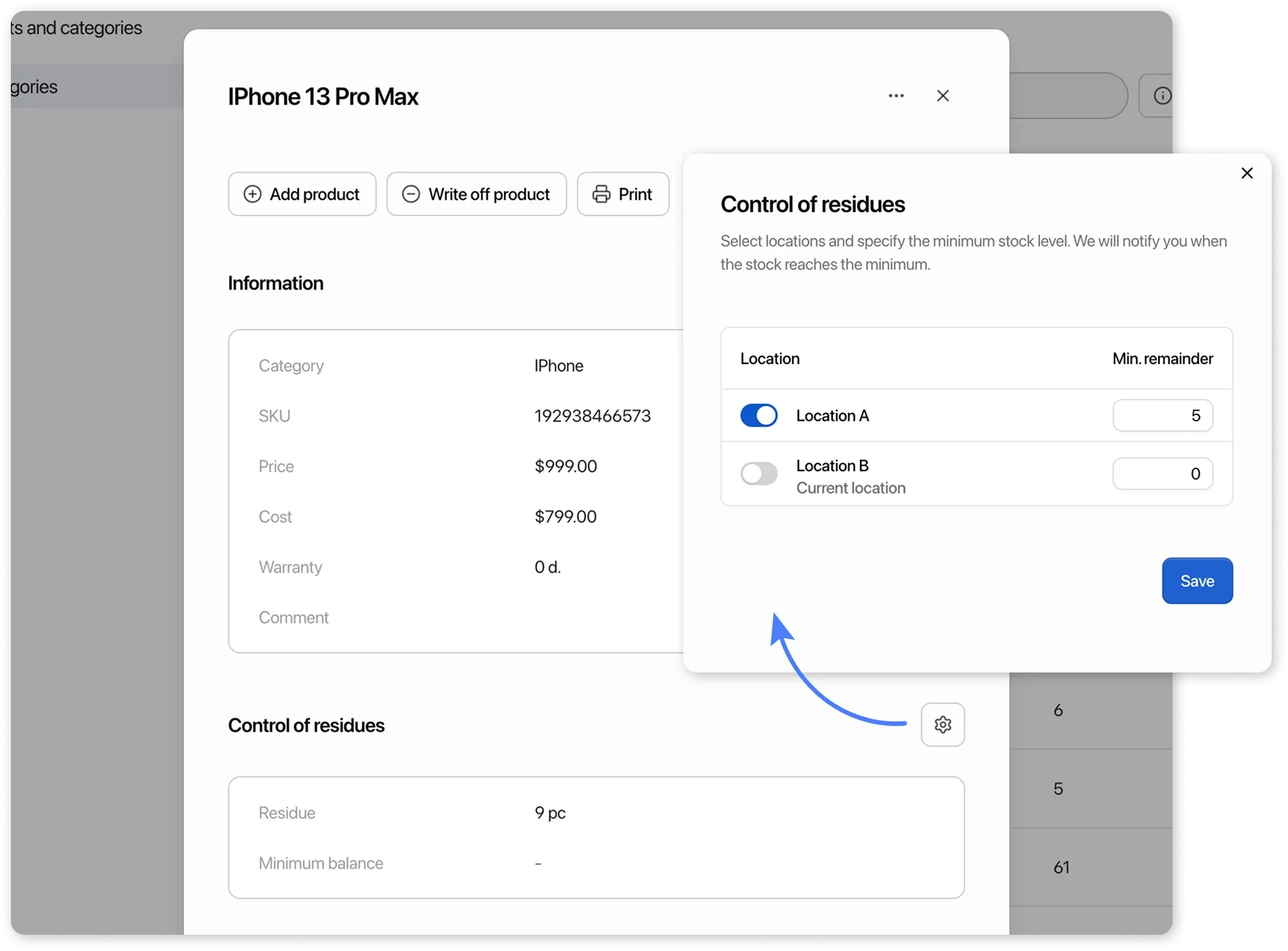
In the “Minimum Stock Level” field, you can enter both whole and fractional values. The input format depends on the product unit of measurement:
- If the unit of measurement is pieces (or not specified), only whole numbers are allowed.
- For other units of measurement, fractional values can be entered.
Where Minimum Stock Levels Are Displayed
Section titled “Where Minimum Stock Levels Are Displayed”After setup, minimum stock control will be displayed:
-
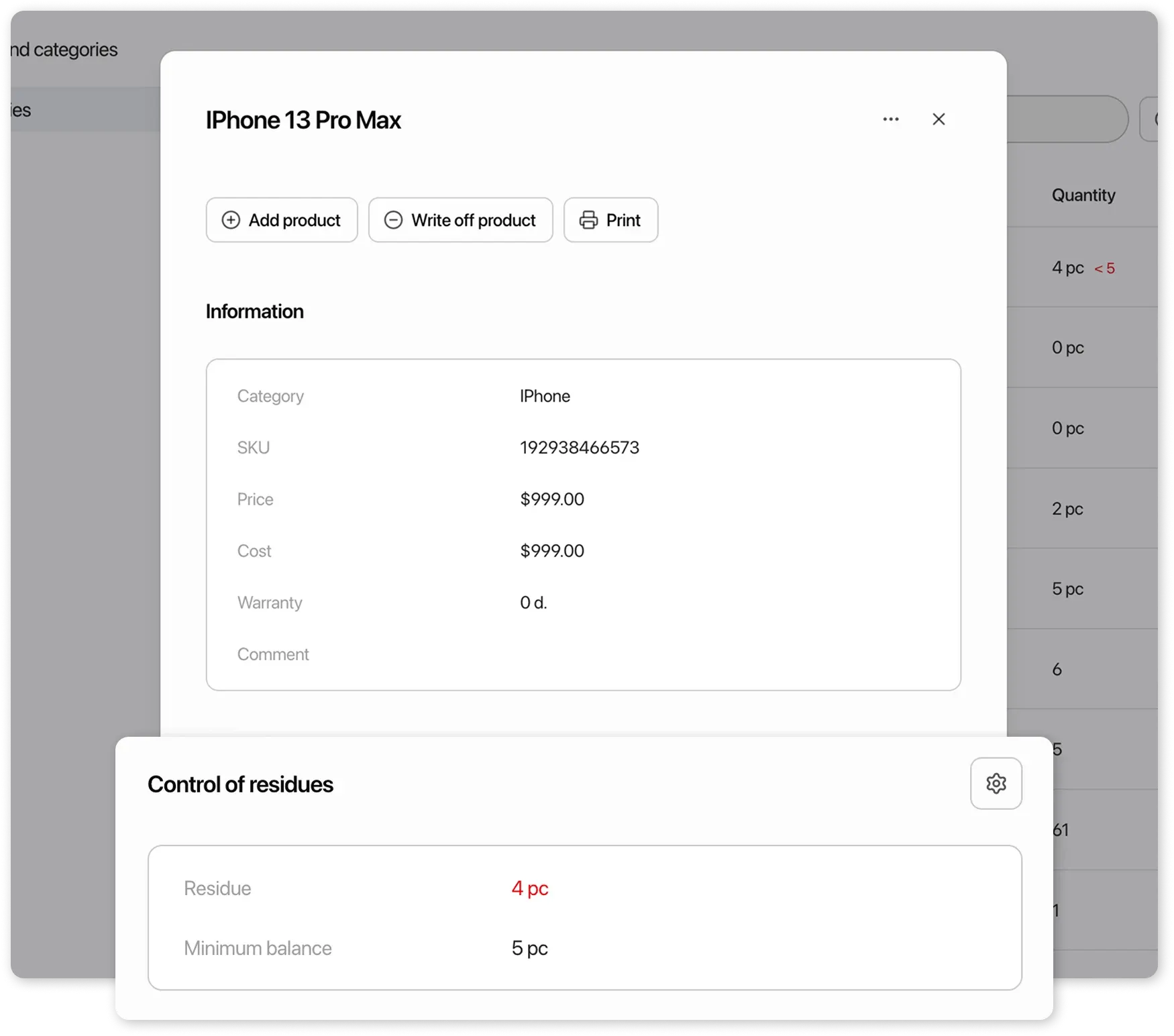
in the product card
-
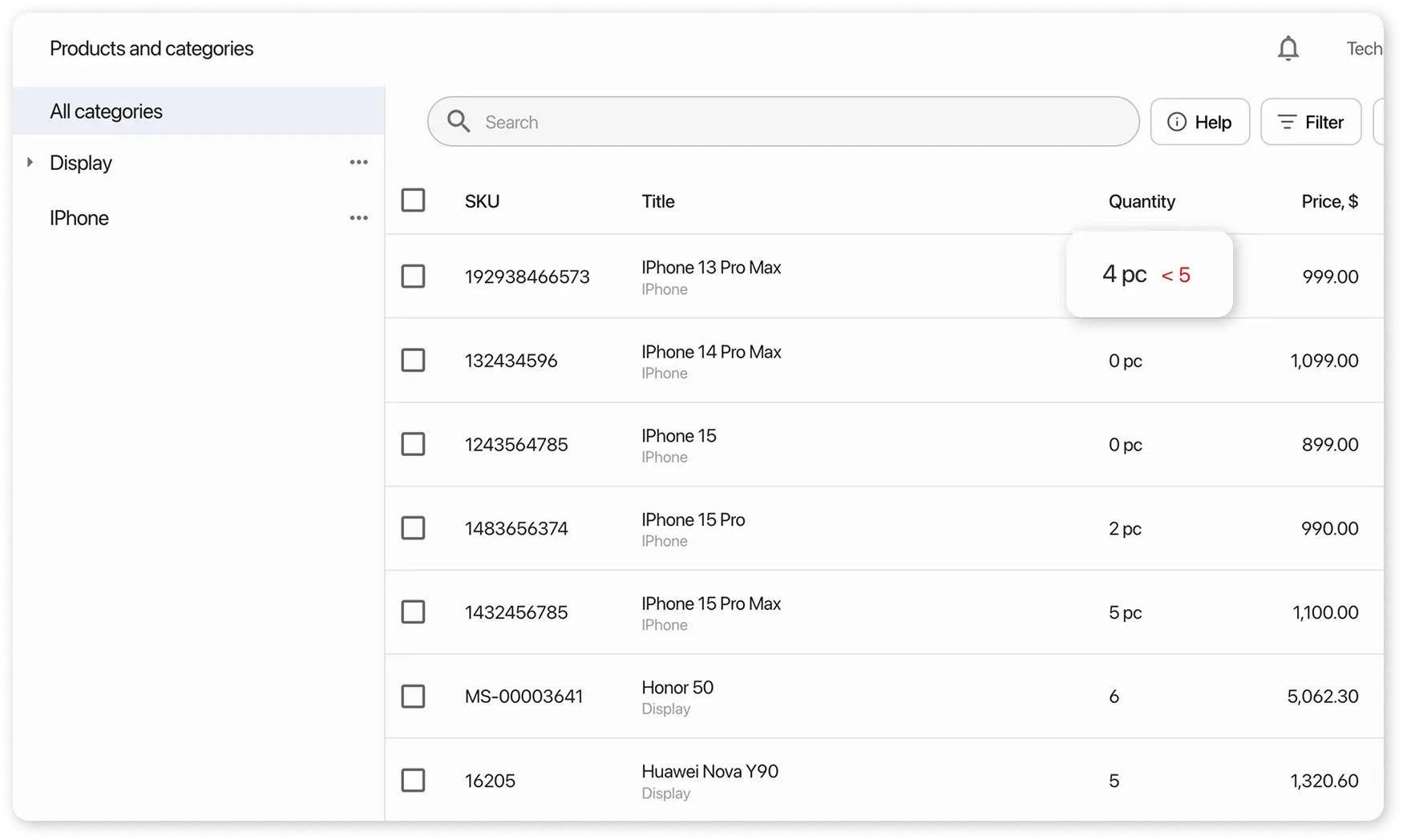
in the general product list under Inventory → Products
-
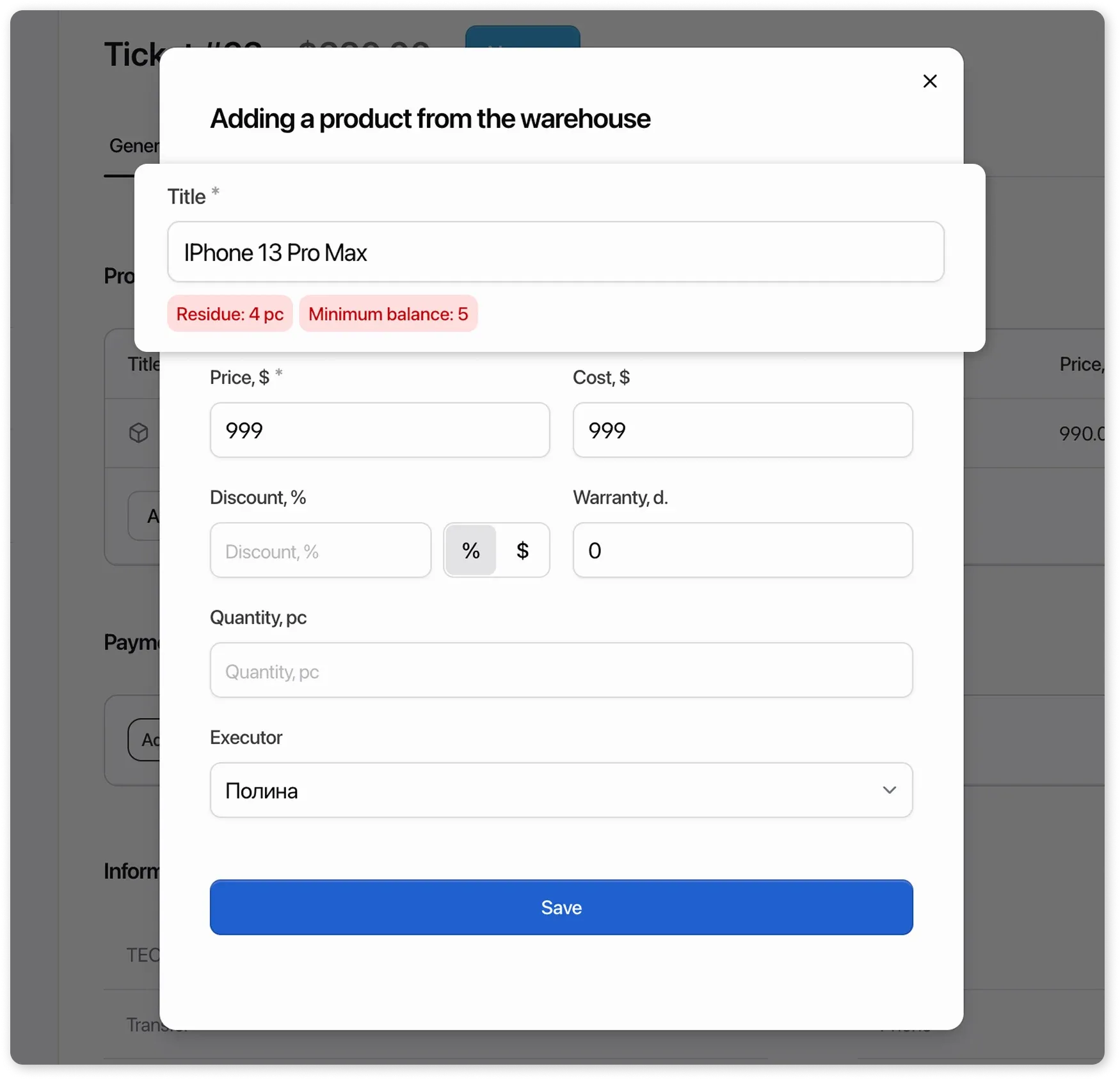
when adding a product to a supplier order
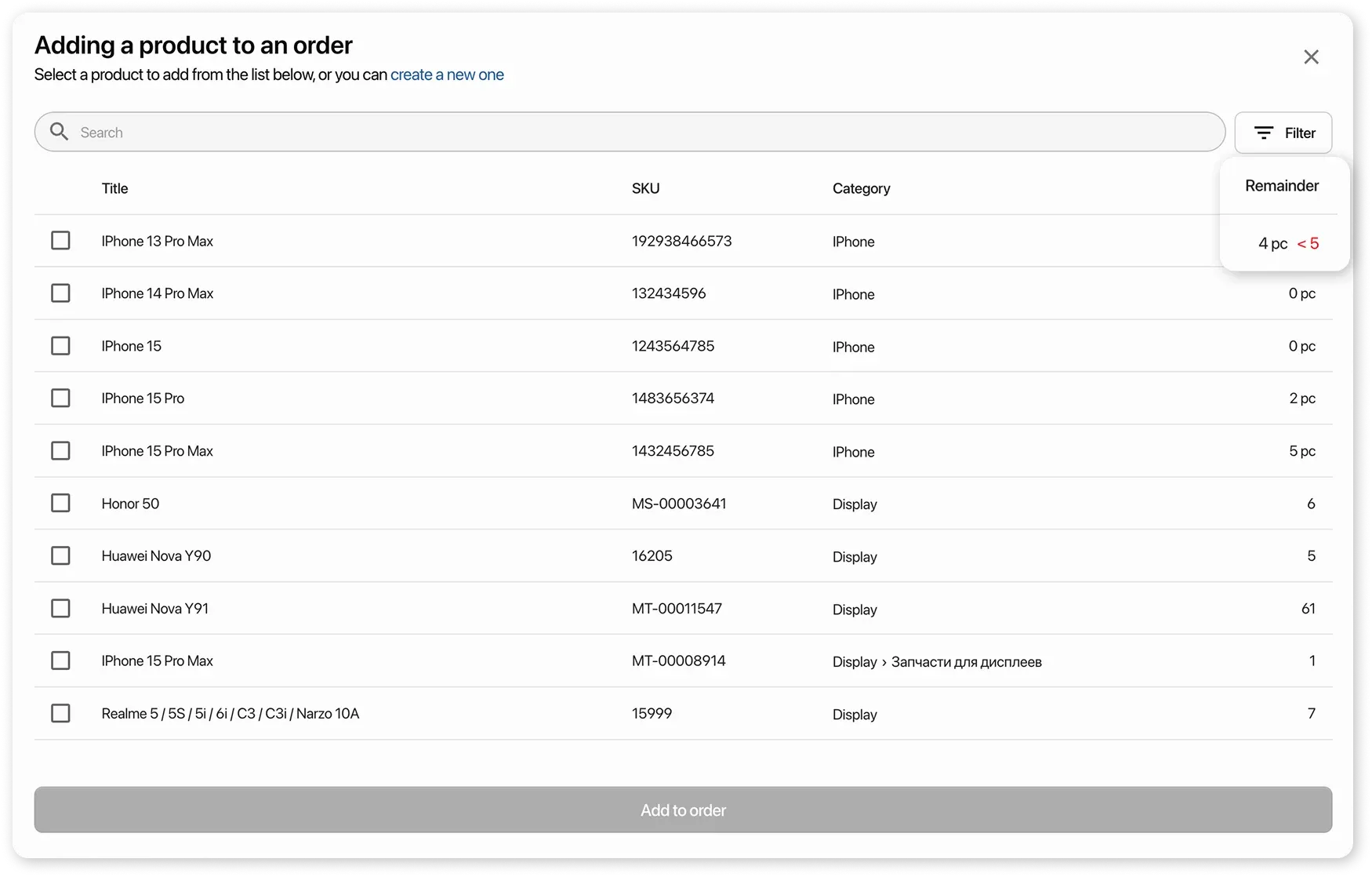
-
when adding a product to an order or sale